

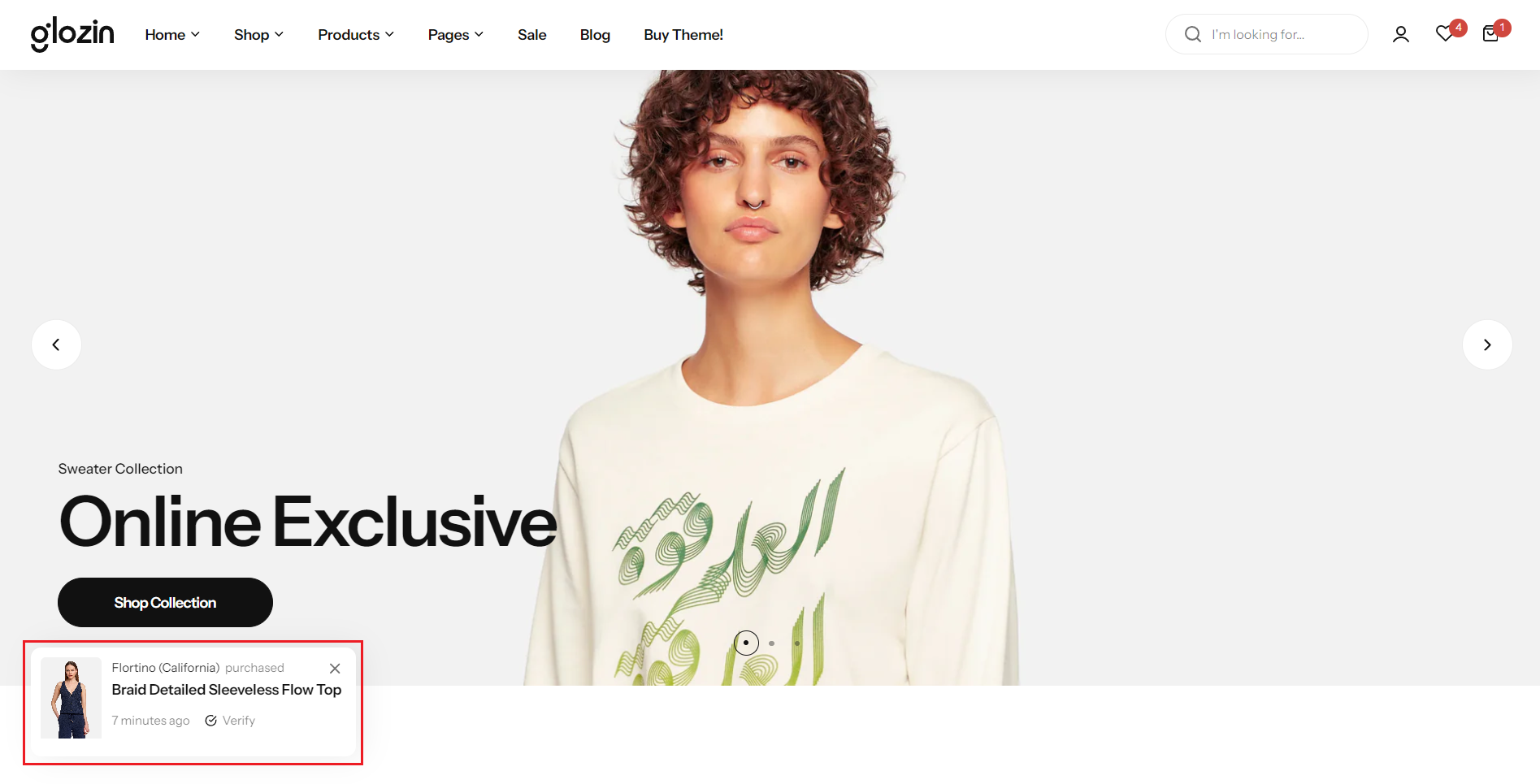
Fake order
Section settings
Show fake order: Choose whether to display the feature on both screens.
Disable in mobile: Choose whether to display the feature on mobile devices.
Select product: Select a specific product to present as part of a simulated order.
List user purchased: Create a list of fictitious usernames to mimic customer purchases, enhancing the appearance of activity and engagement with your products.
Verify label: Set a "Verify Label" for authenticity or special status
Delay time: Adjust the "Delay Time" to manage intervals between showcasing products.
Display time: Define "Display Time" to control how long each product is shown, creating a dynamic and engaging presentation for viewers.
.png)
No comments yet