

Featured blog
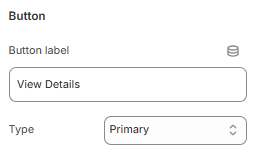
How to add a Featured blog section?
Steps
- In the theme editor (Customize), open the template selector.
- Select Blogs, then Default blog.
- On the left-sidebar, add Featured blog.
- Make necessary changes > Save.
How to customize your Blog carousel section
General Settings
| Setting | Description |
|---|---|
| Section width | 3 options for container |
| Color scheme | Select colors from Theme settings -> Colors |
Section header
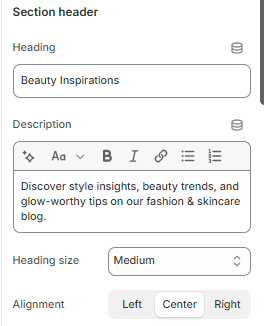
| Setting | Description |
|---|---|
| Heading | Enter a title to display as the section’s heading. |
| Description | Add a short description to provide more context about this section. |
| Heading size | Select the size of the heading text |
| Alignment | Choose how you want to align the text: |
Blog post
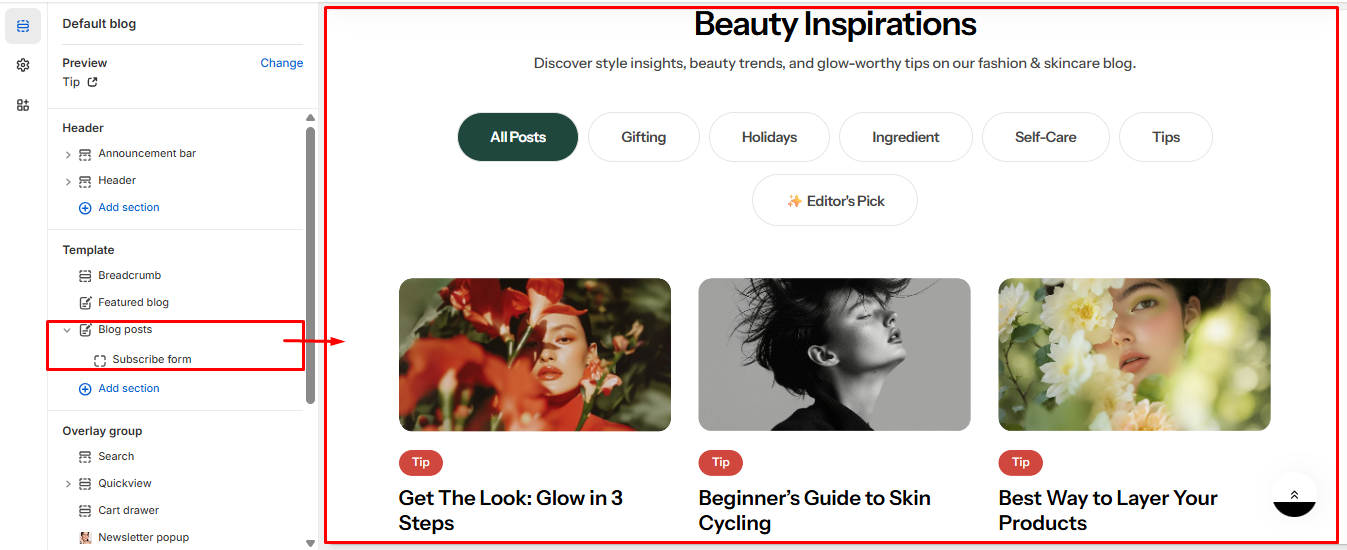
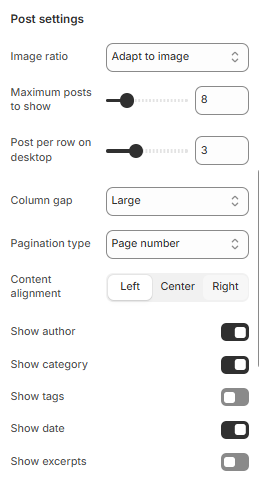
| Setting | Description |
|---|---|
| Blog | Select to display blog posts from Blog Posts |
| Image ratio | Determines the aspect ratio of the images. |
| Desktop vertical alignment | Adjust the vertical position of the content on desktop |
| Content alignment | Set how the content is aligned horizontally within the section |
| Show category | Display blog categories |
| Show tags | Display post tags |
| Show date | Display post creation date |
| Show author | Display post author |
| Show excerpts | Display a short post excerpt |
Button
| Setting | Description |
|---|---|
| Button label | Label for button |
| Type | Select type for button: |
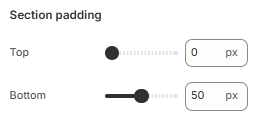
Section padding
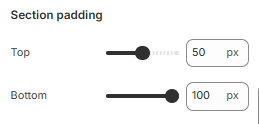
| Setting | Description |
|---|---|
| Top padding | Customize the top margin of the section |
| Bottom padding | Customize the bottom margin of the section |
No comments yet