

Blogs
Steps
- In the theme editor (Customize), open the template selector
- Select Blog posts, then Default blog post.
- Make necessary changes
- Save
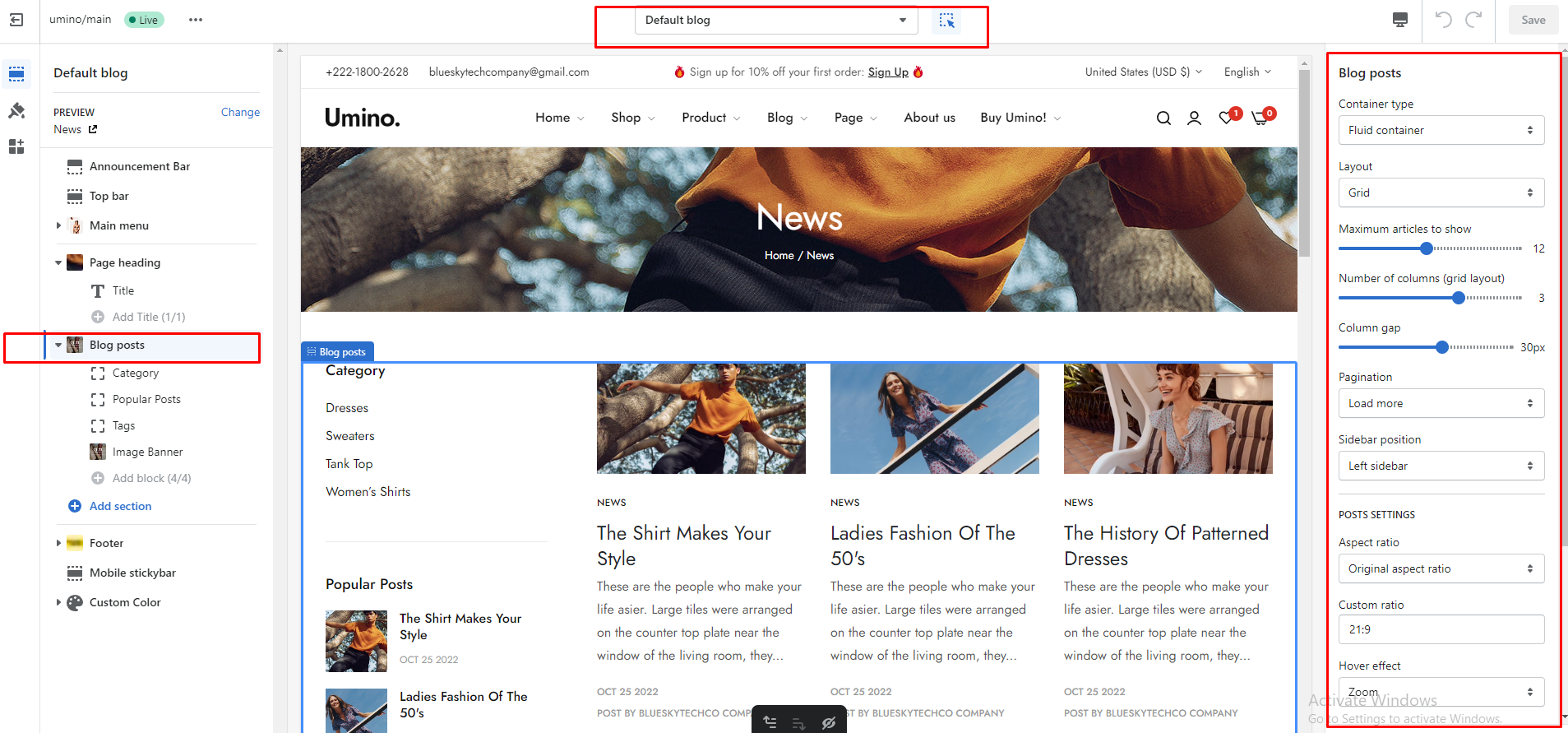
Blog settings
- Container type
- Default
- Fluid Container
- Full Width
- Grid
- List
- Default
- Load more
- Infinit scrolling
4.1. Layout
- Left
- Right
4.2. Content for sidebar
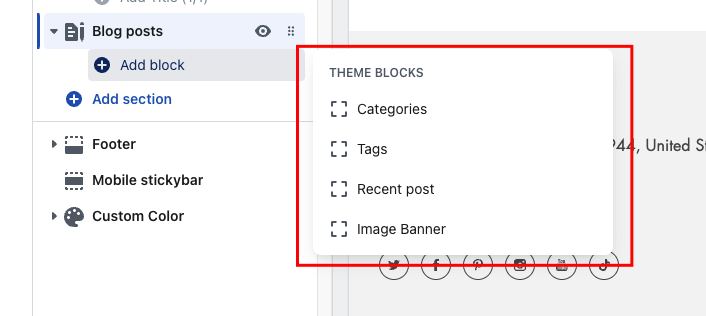
The Sidebar Blog option has a total of 4 blocks for you to add to the sidebar:
- Blog category
- Tags
- Recent Post
- Image Banner
- Post setting
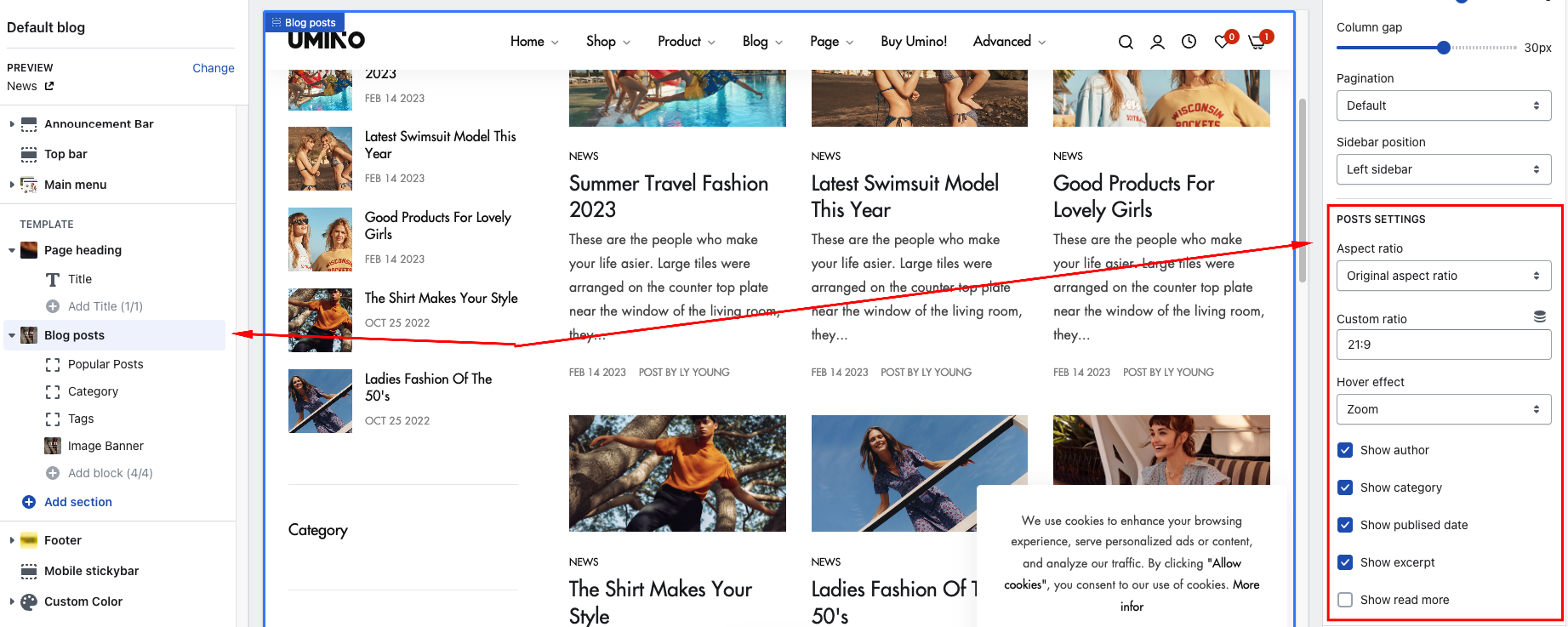
- Aspect ratio
- Custom ratio
- Hover effect
- Show author
- Show category
- Show publised date
- Show excerpt
- Show read more
No comments yet