

General Option
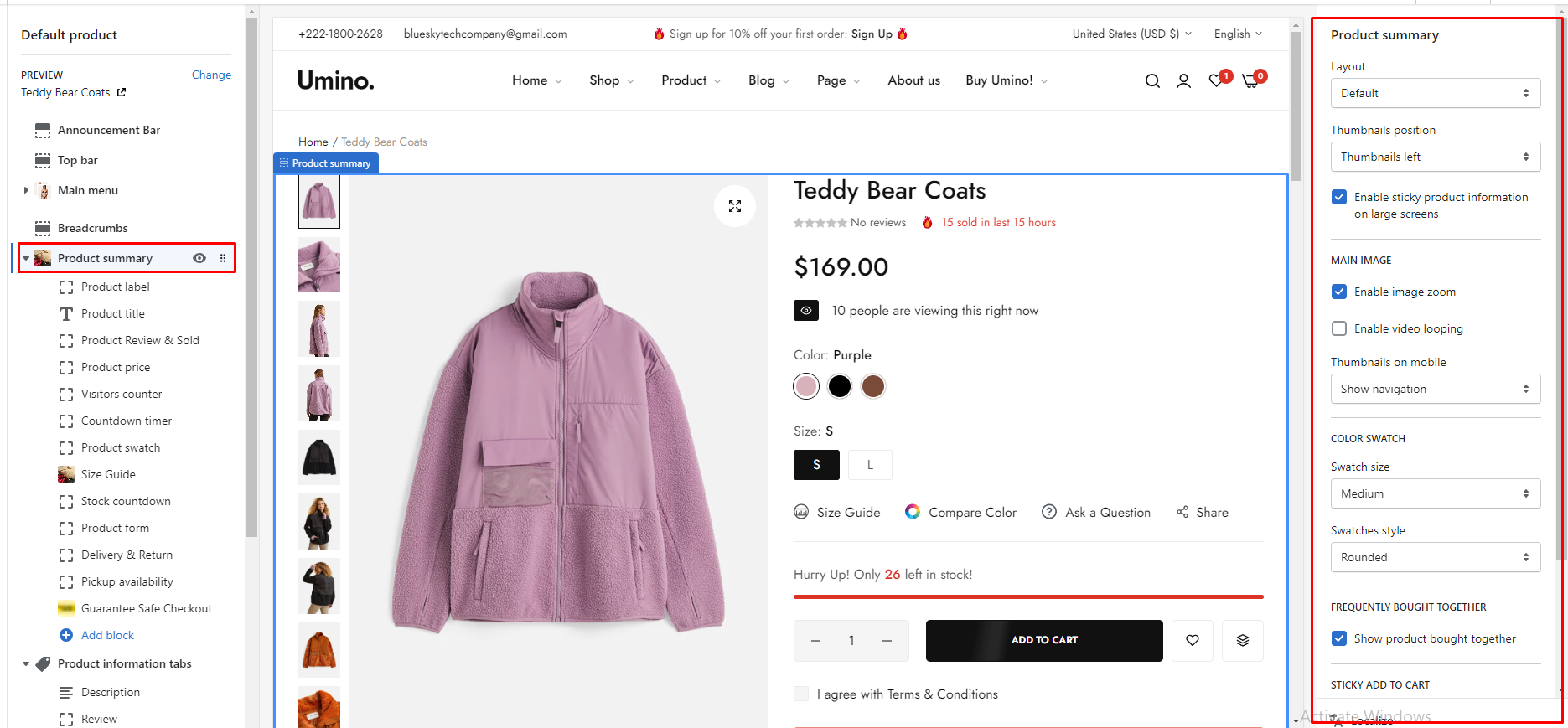
Layout: You can choose your container type for the product list as:
- Default
- Fluid container
- Full width
.png)
Disable skeleton loading effect: Tick on this checkbox to disable skeleton loading effect.
.png)
Enable sticky product information on large screens: Tick on this checkbox to enable sticky product information on large screens.
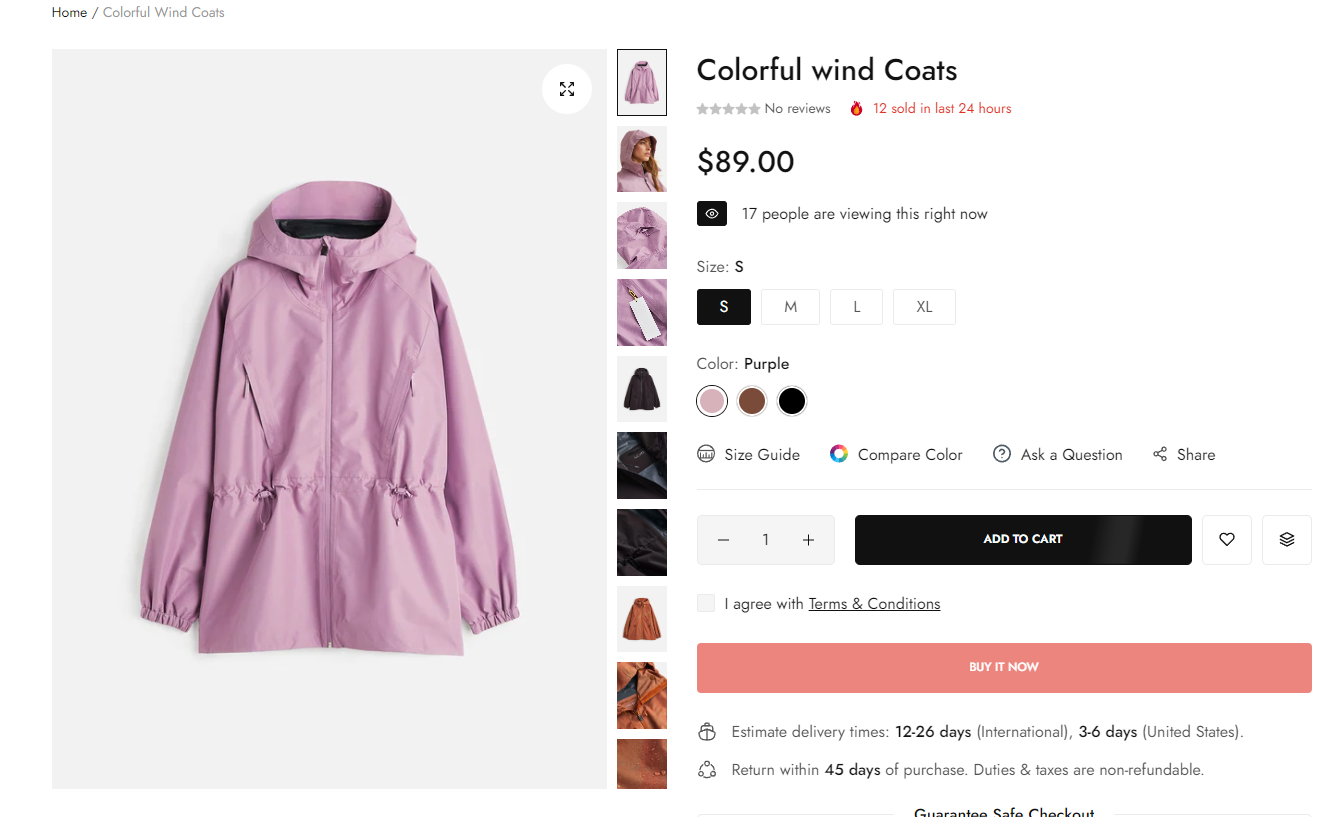
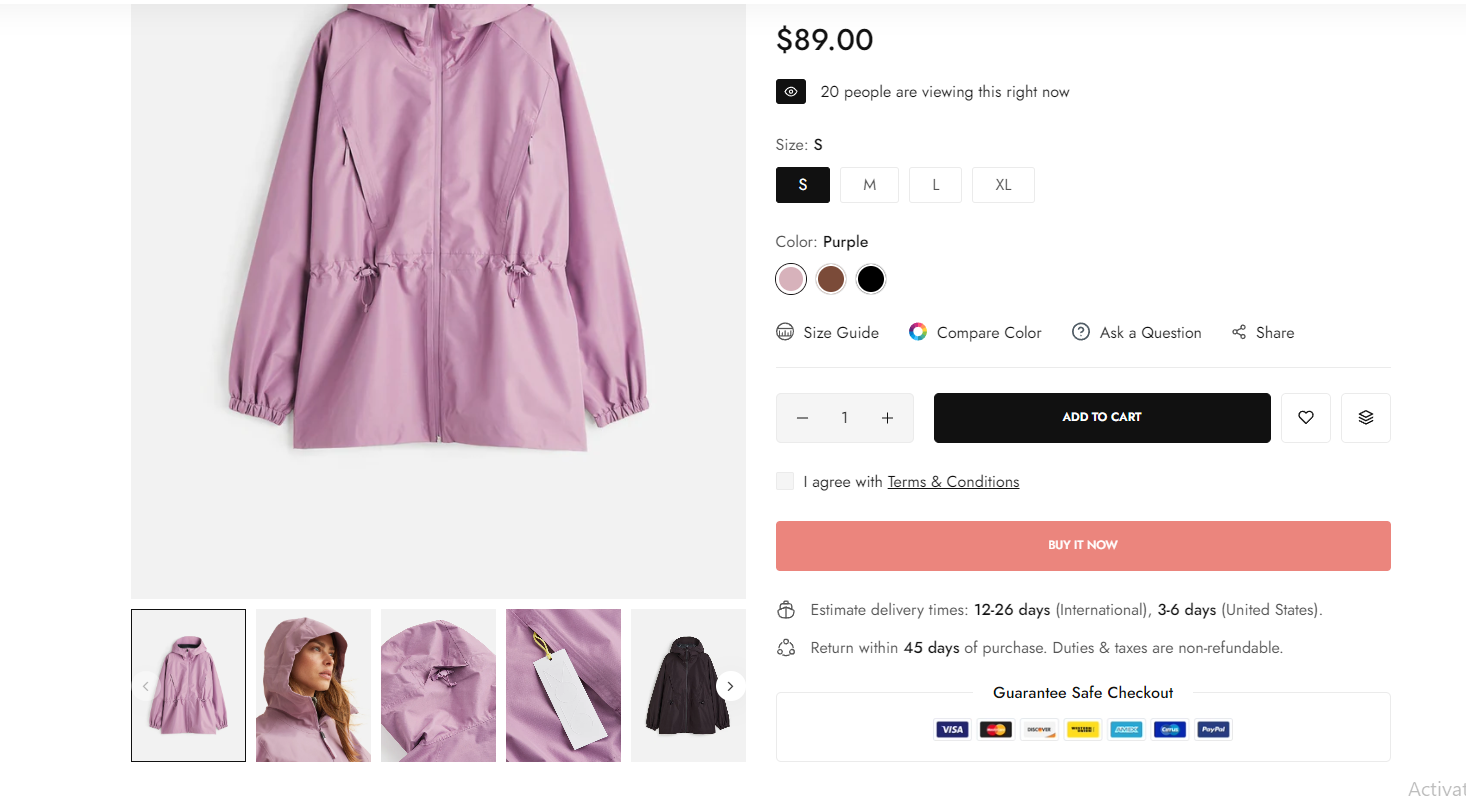
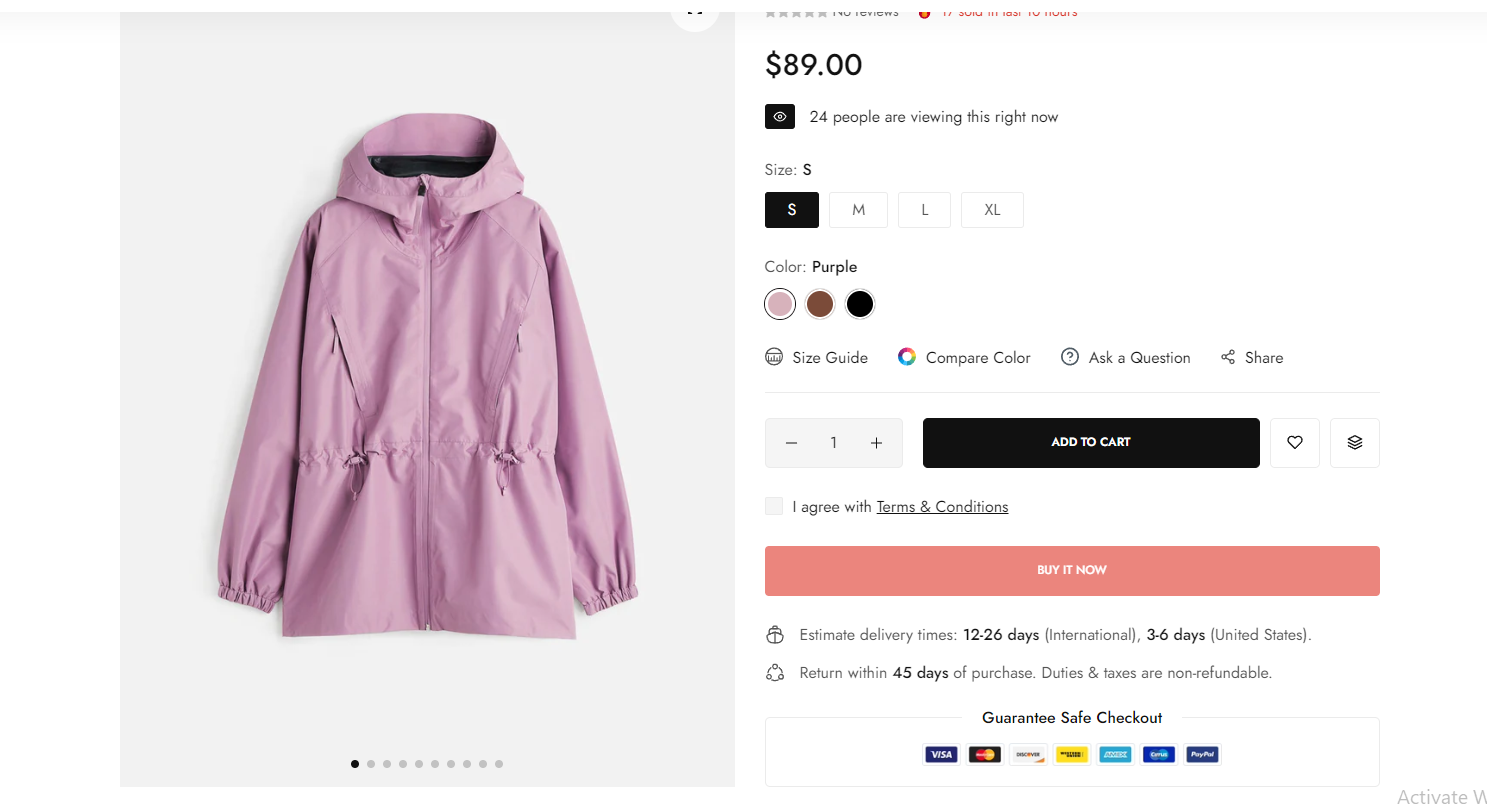
Thumbnails position: you can choose one of the configs
.png)
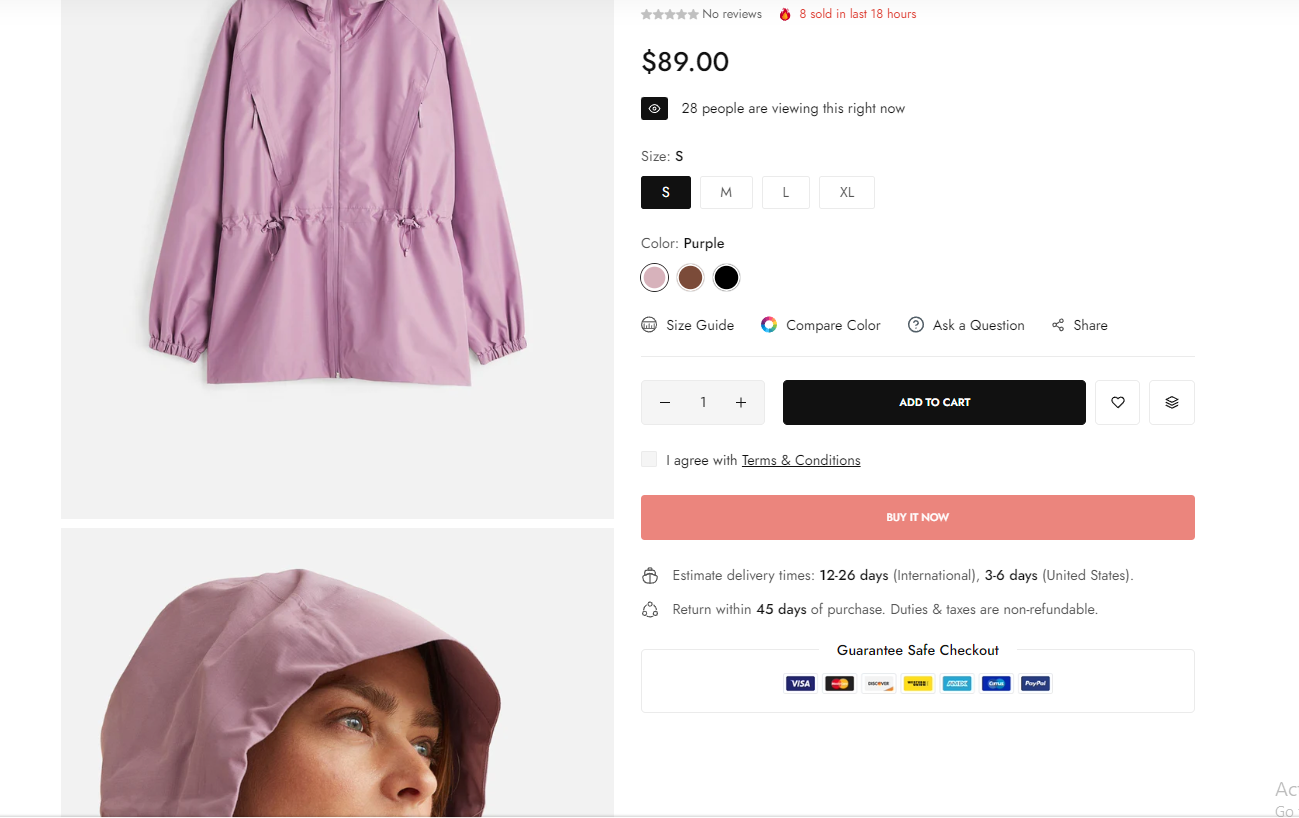
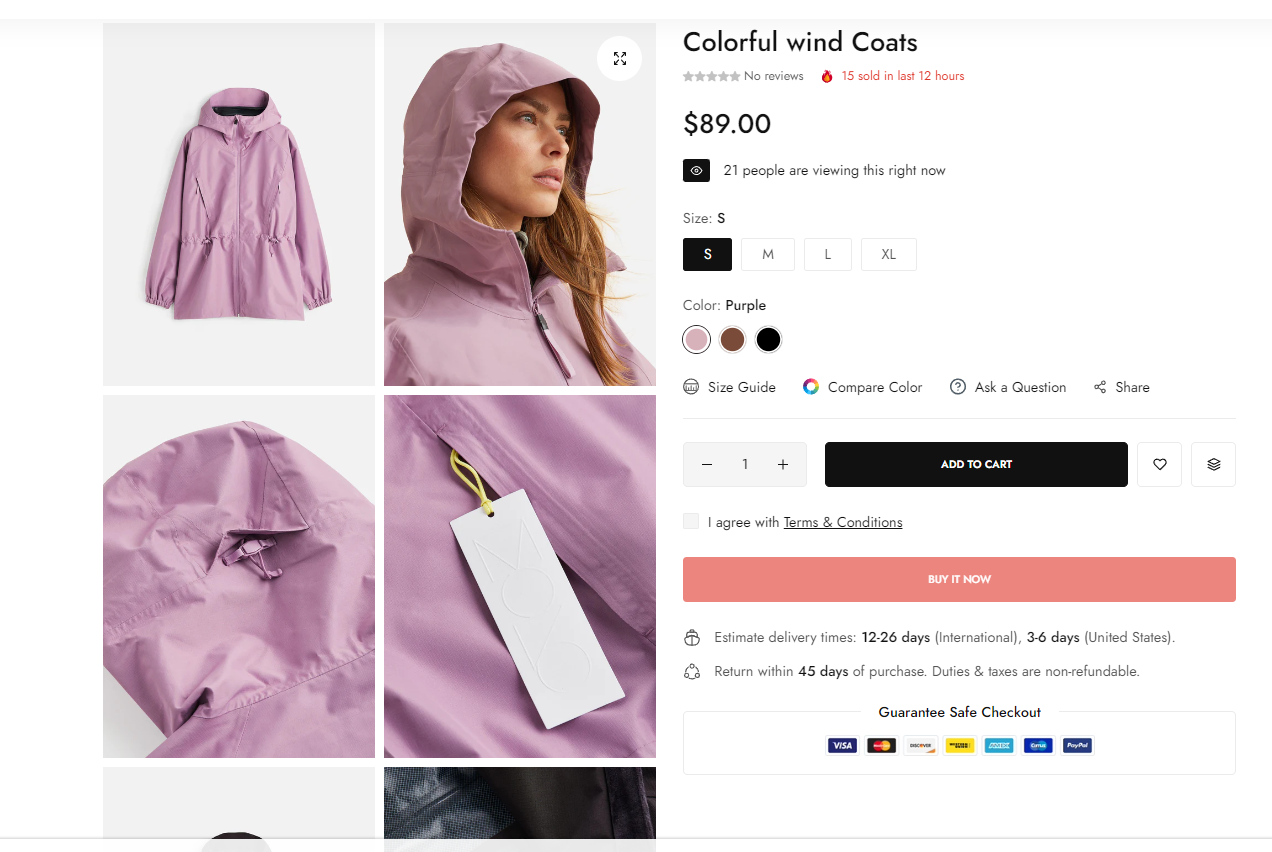
Enable image zoom: Tick on this checkbox to enable show a popup when clicking on the image.
Enable video looping: Tick on this checkbox to enable video looping (when your product media has a video).
.png)
Hidden zoom icon on mobile: enable this to hide the zoom icon on mobile devices.
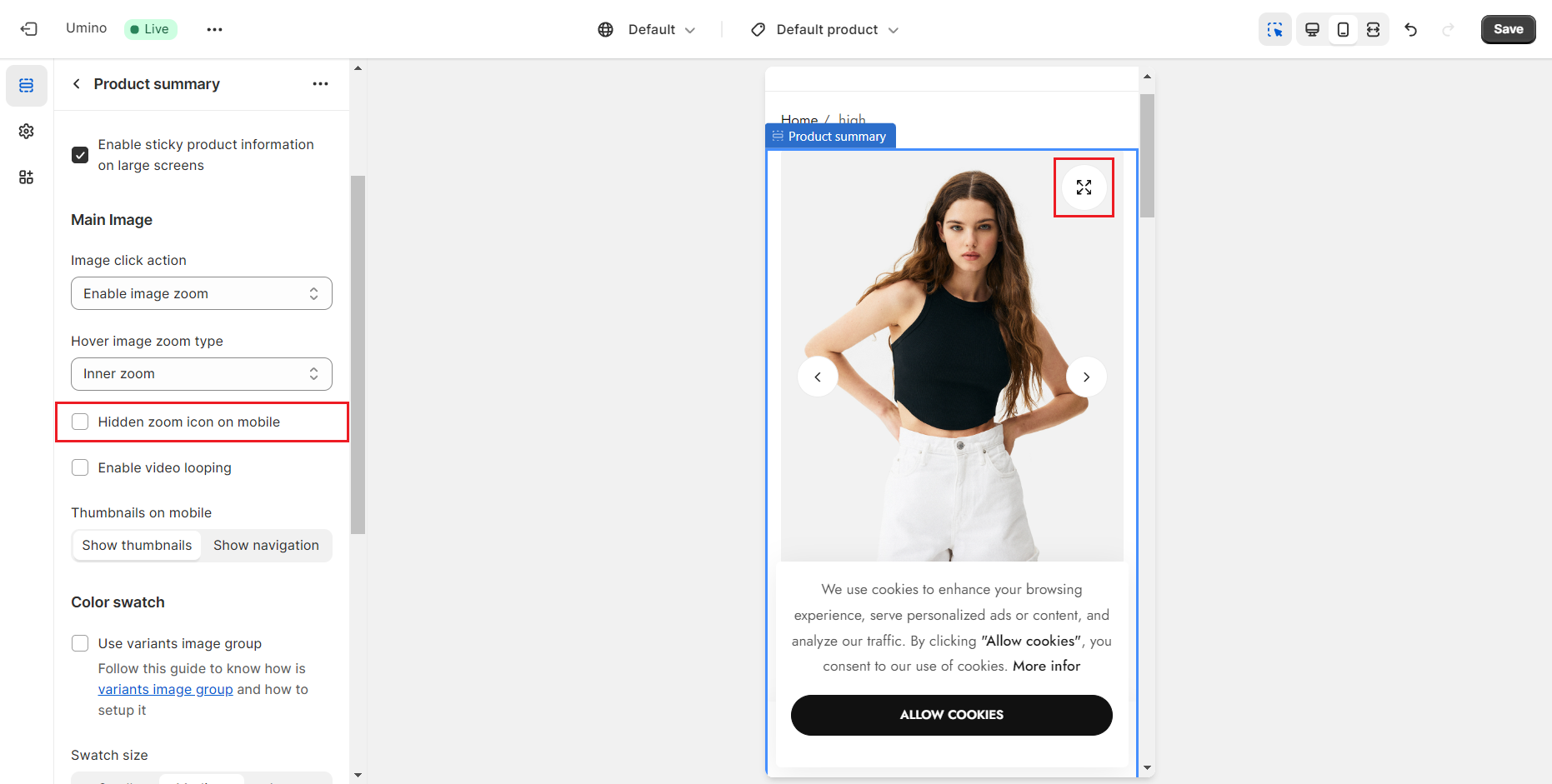
Thumbnails on mobile: Tick this checkbox to choose how to display thumbnails on mobile devices.
.png)
.png)
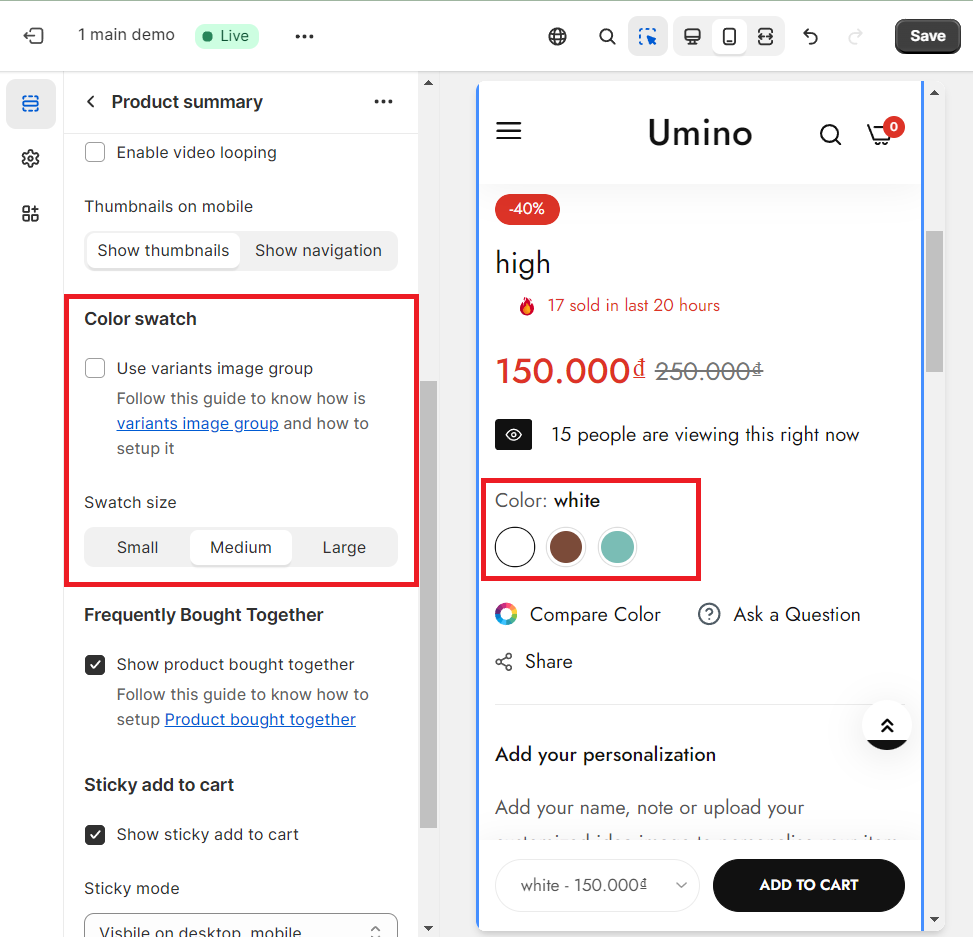
Color swatch: This option allows you to choose the display style, the size
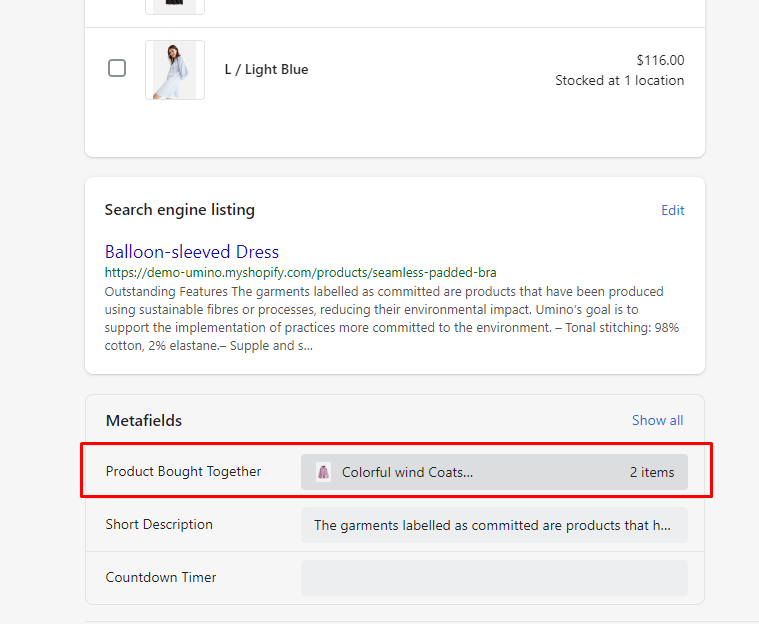
Show product bought together: This option will show product bought together. You can change it please click Products -> Select product that you want to change -> Metafields -> select Product Bought Together
Sticky add to cart: This option allows you to display the sticky add to cart
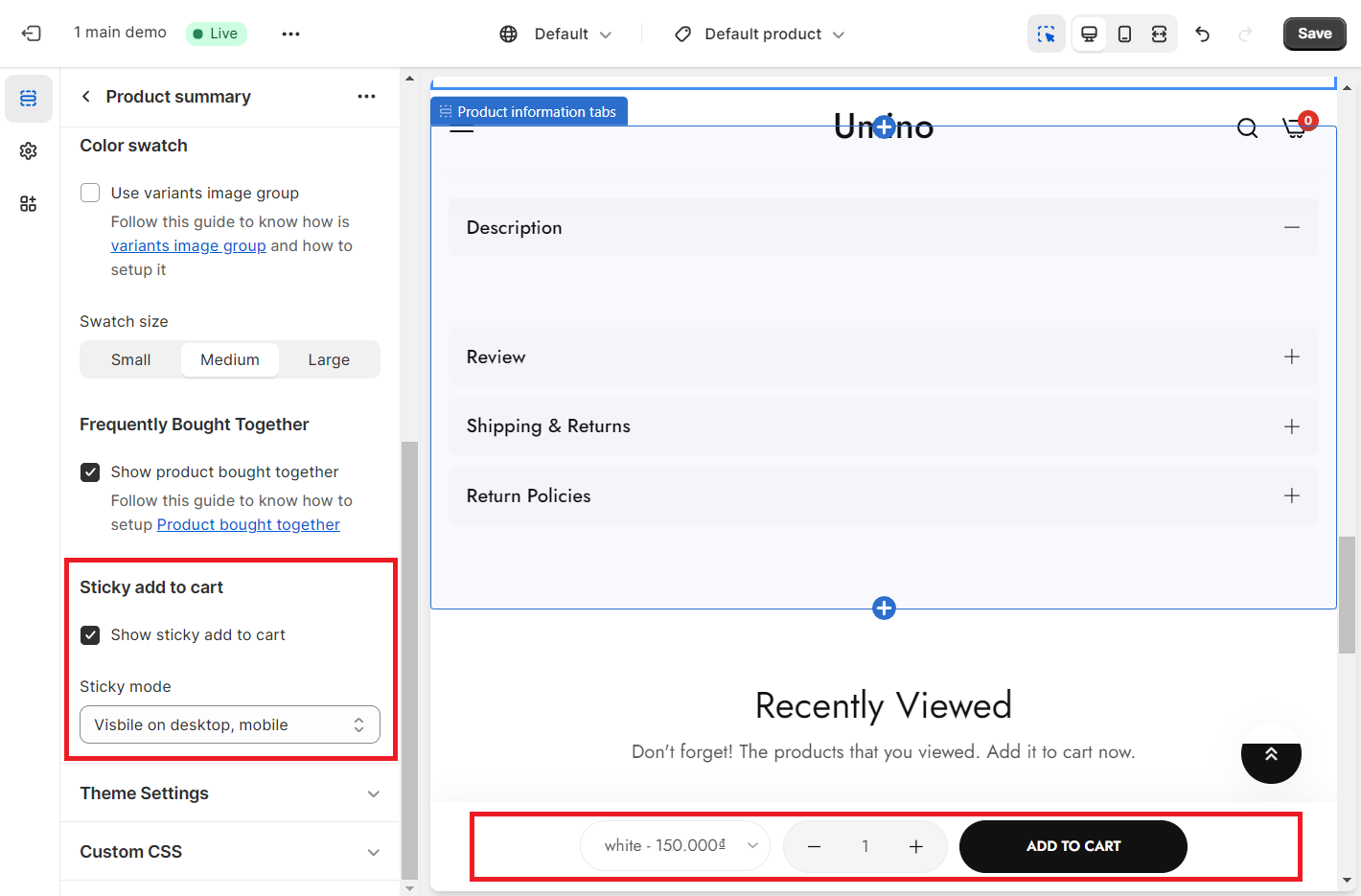
Sticky mode: You can choose a mode for the Sticky Add To Cart button here. We have 2 modes: Only visible desktop and Visible on desktop, mobile
No comments yet