

Import Sample Products (Not required)
Please follow this link to download the Sample products file for Umino.
According to Shopify, after installing Umino, you will get a theme with placeholder images. You can upload your own images to decorate your store base on Umino layout. Otherway, you can use Umino sample products by the following steps
Step 1: Form your admin, click to Products ==> Import
.png)
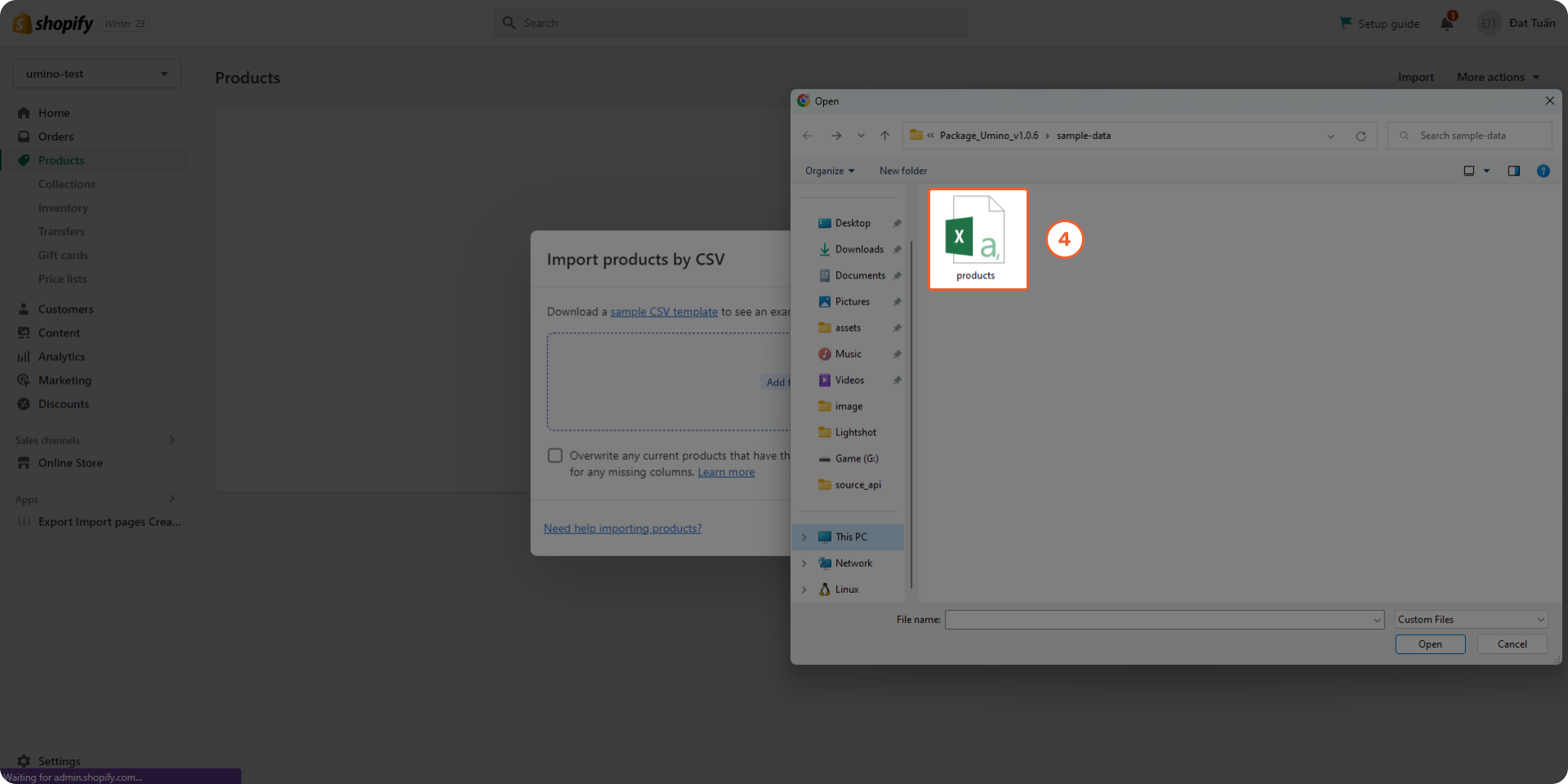
Step 2: Click to Add file and select the products.csv file in folder sample-data of Umino package.
.png)
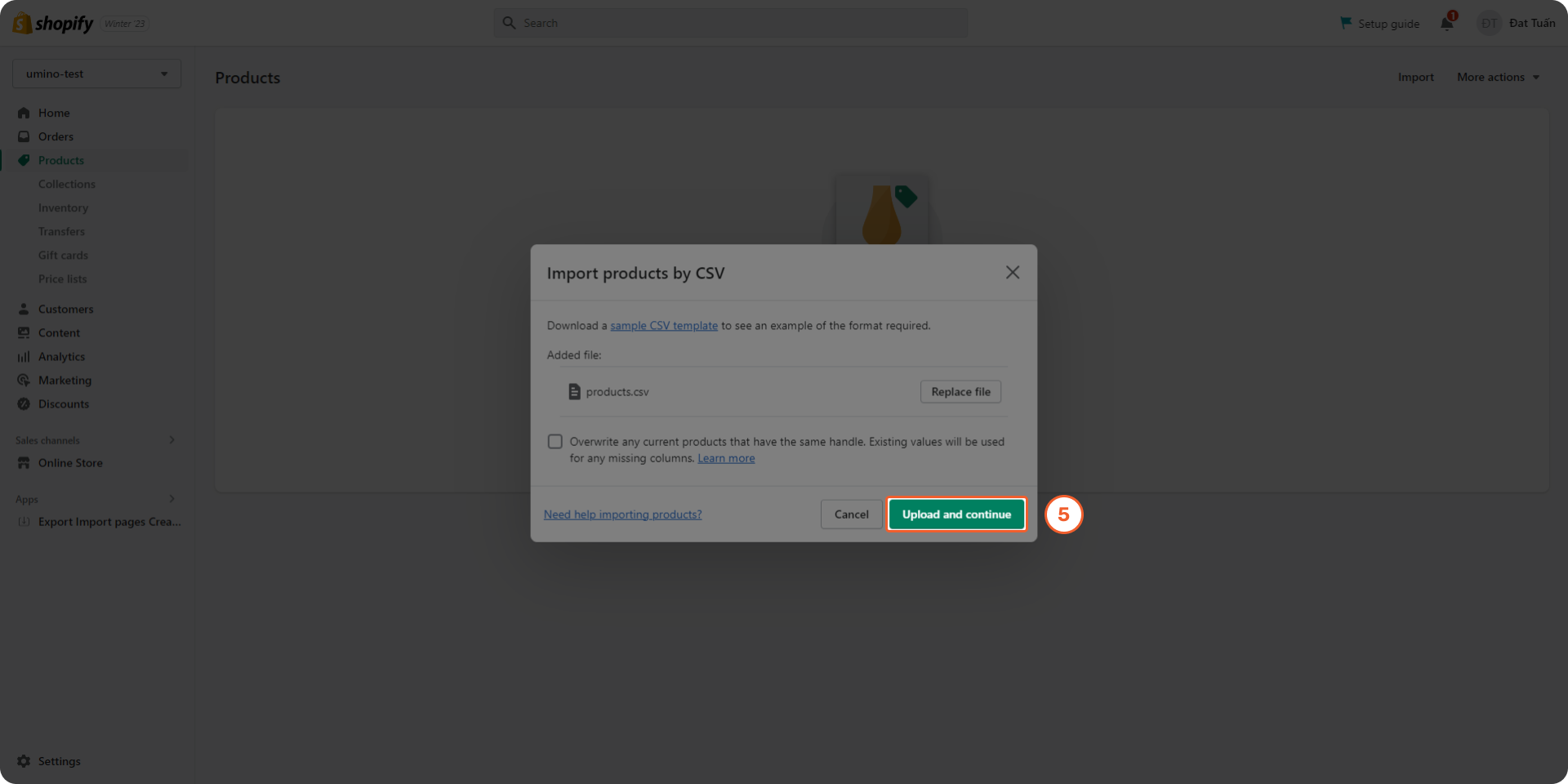
Step 3: Click to Upload and continue
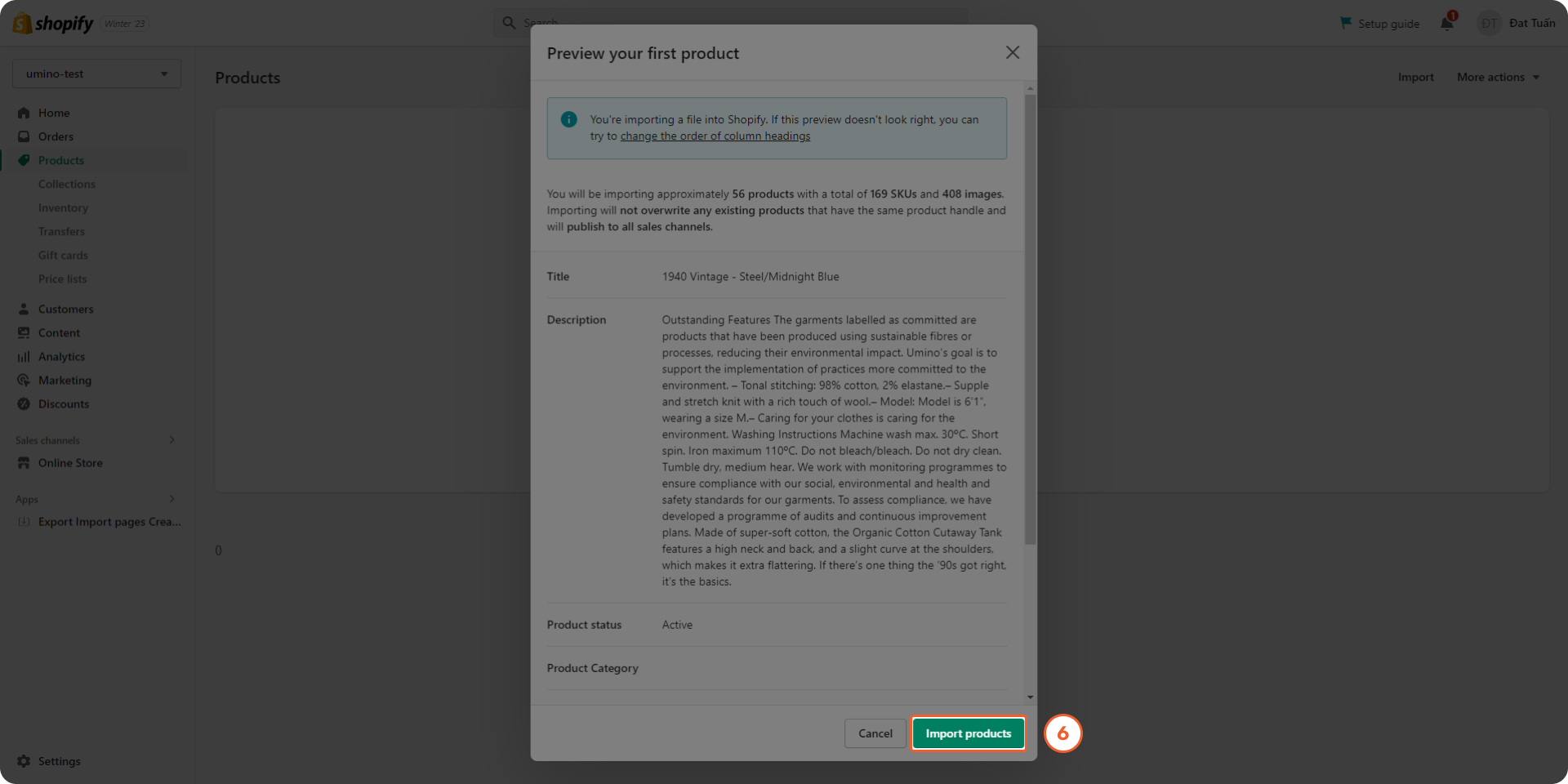
Step 4: Click to Import Products
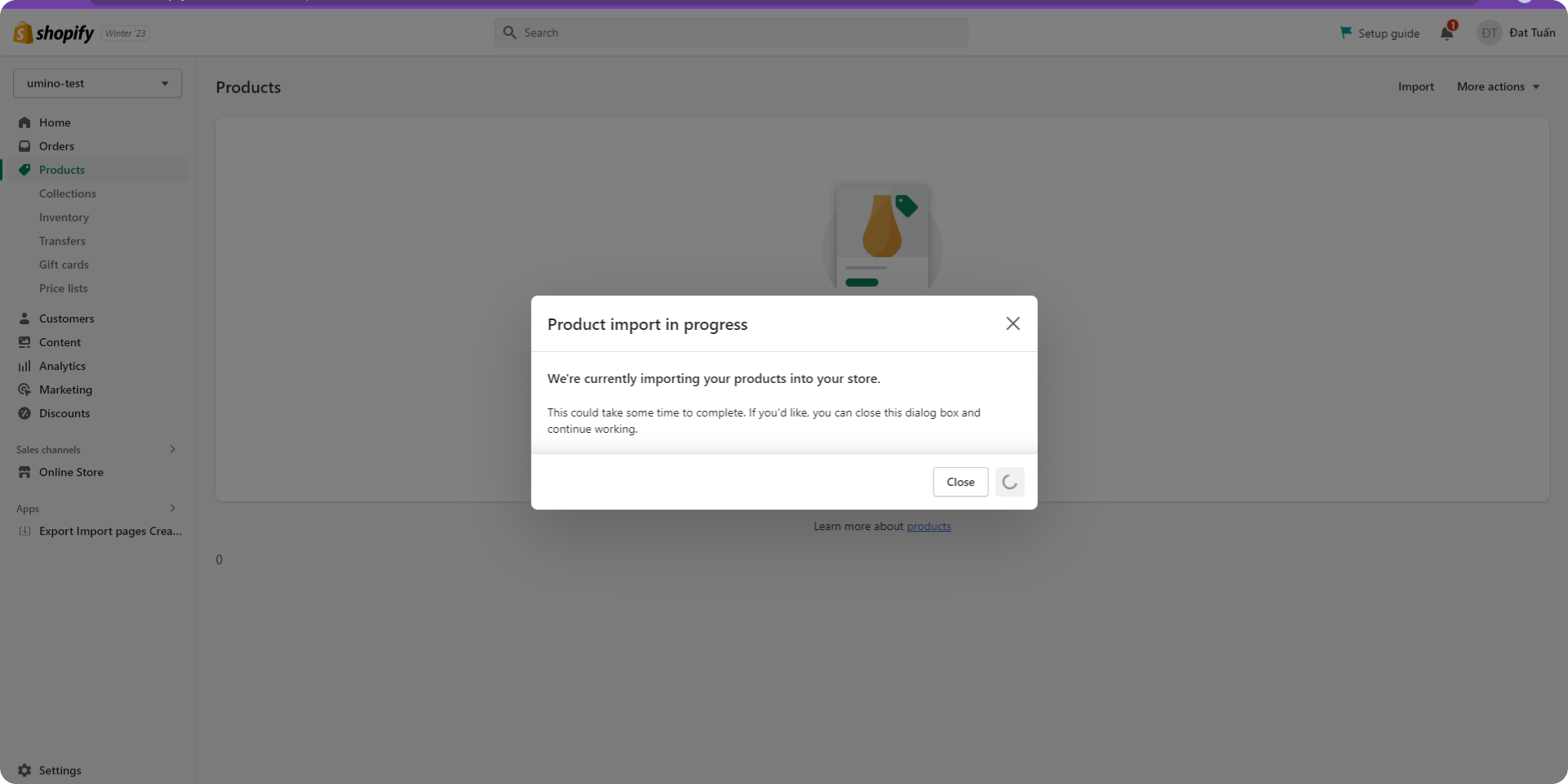
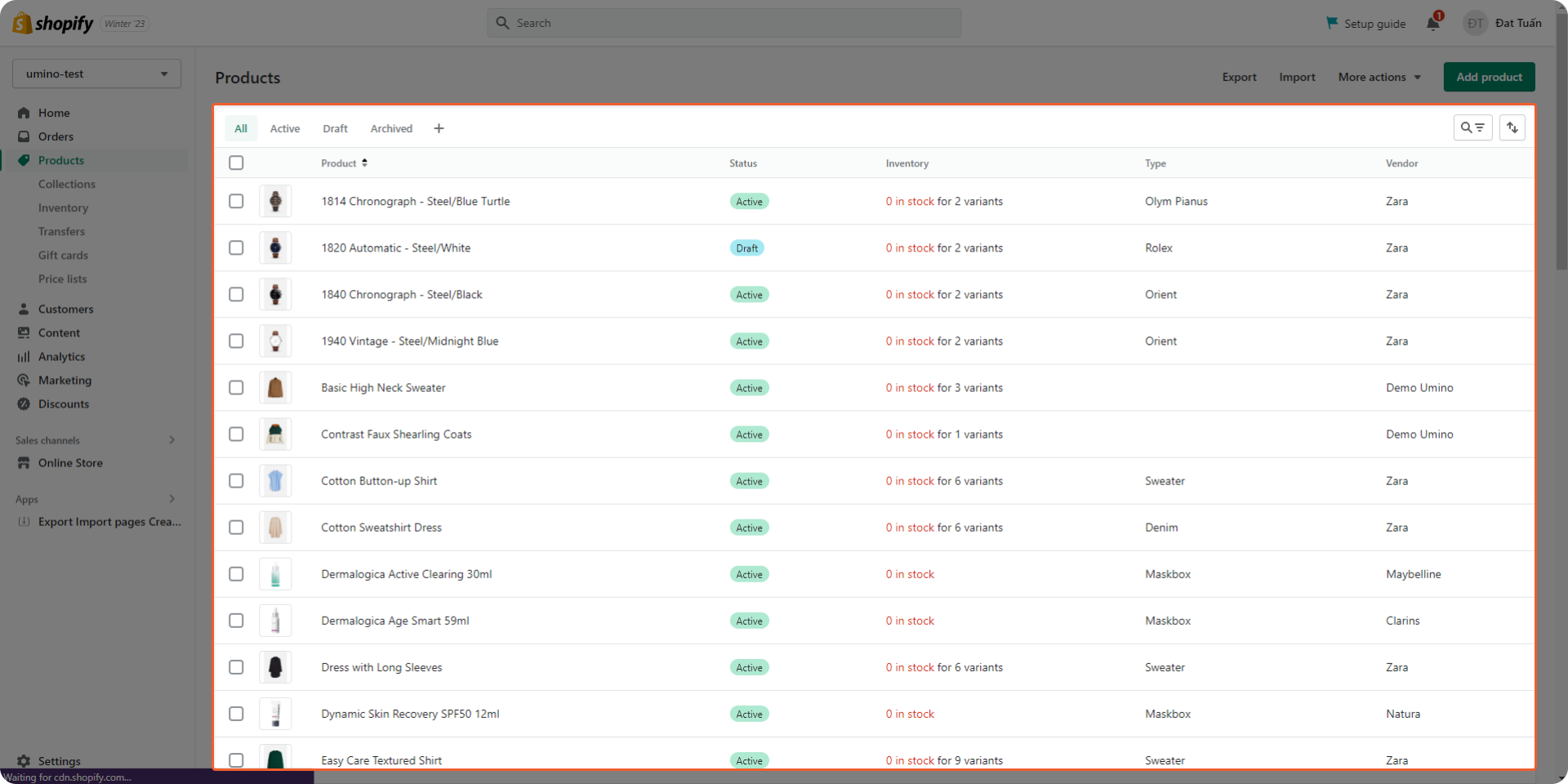
Step 5: Wait a few minutes and you can see all the Umino products will be imported to your store.
Please follow this video for more information
No comments yet