

Typography
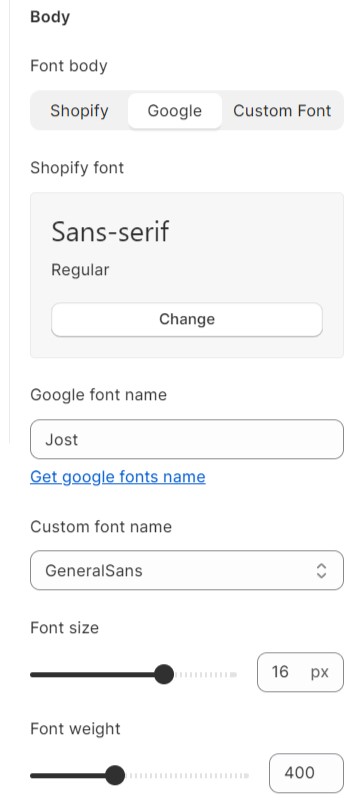
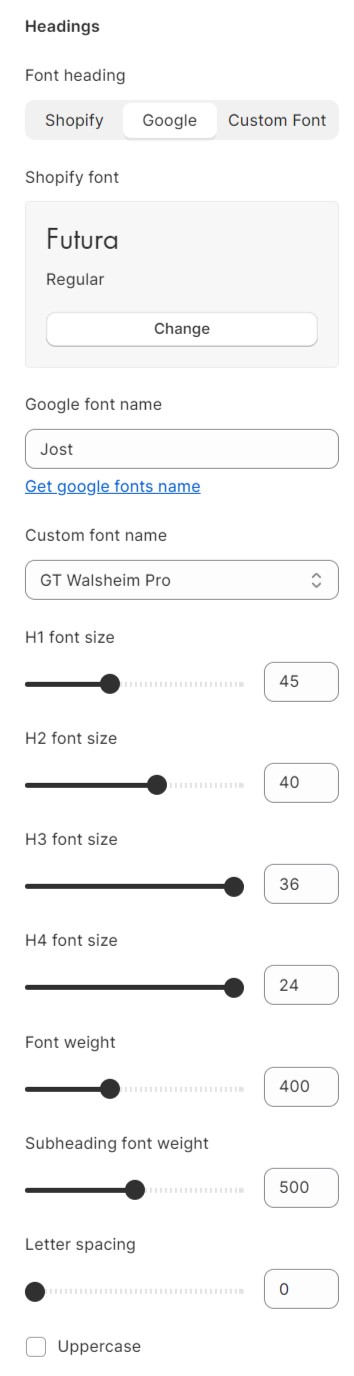
The Umino theme has a dedicated options panel of its own, which lets you customize the styling of each part of your site to the finest detail. You can set the font style and size for the text.
Note: Umino supports* Google Font , Shopify Font and Custom Font
Steps
- In the theme editor (Customize), click Theme settings
- Locate Typography
- Make necessary changes
- Save
Typography is considered one of the essential components that impact the website's look and feel. It contains the following elements.
1. Body text and headings
You can either choose the existing fonts from the library or custom fonts. For the custom font, kindly follow the steps below:
Elements related to the font such as spacing, height, weight, etc. are adjustable.
2. Menu
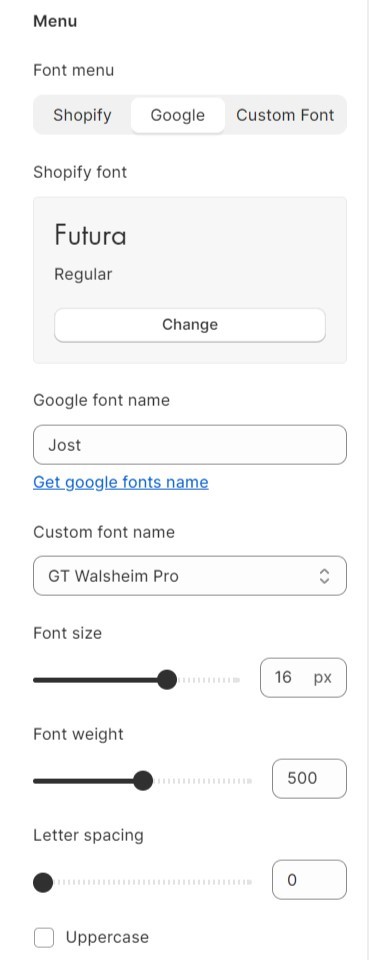
In addition to the body text and heading, the menu can also be flexibly configured.
3. Buttons
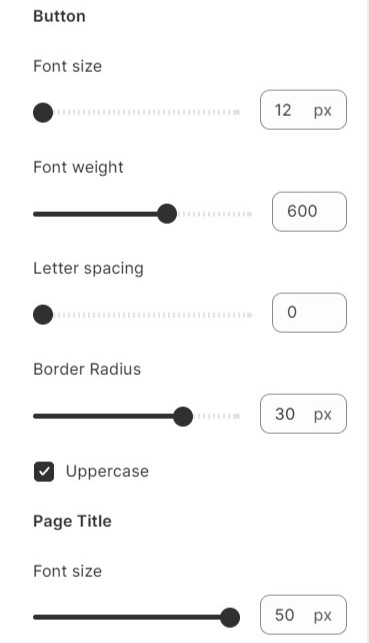
The button font is inherited from the body text. Use the slider to modify border width and height, font size, etc. You can choose to display the button text in uppercase style.
No comments yet