

Custom content
In order for customers to have a better understanding of the store, you can utilize this Custom content section to achieve the requirements.Steps
Steps
- In the theme editor (Customize), click Add section
- Locate Custom content
- Save
Custom content
1. General settings
Layout: You can choose among Container, Wrapped container, Full width for the banner layout.
Text alignment: Align text to the left, right or center
Color schema: Set text color and background color with preset scheme
.png)
2. Section padding
Section padding allows you to specify the space between the slideshow and the preceding or following sections, or both.
.png)
Content settings
.png)
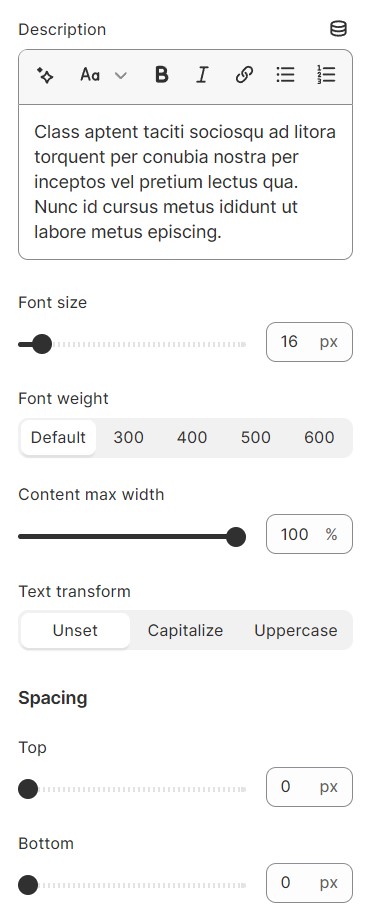
You can choose what to display and adjust its font size, font weight, and text transform.
Spacing is used to set up the space between the previous section, and the next elements.
1. Sub heading
.png)
2. Heading
.png)
3. Description
No comments yet