

Product Thumbnails Position
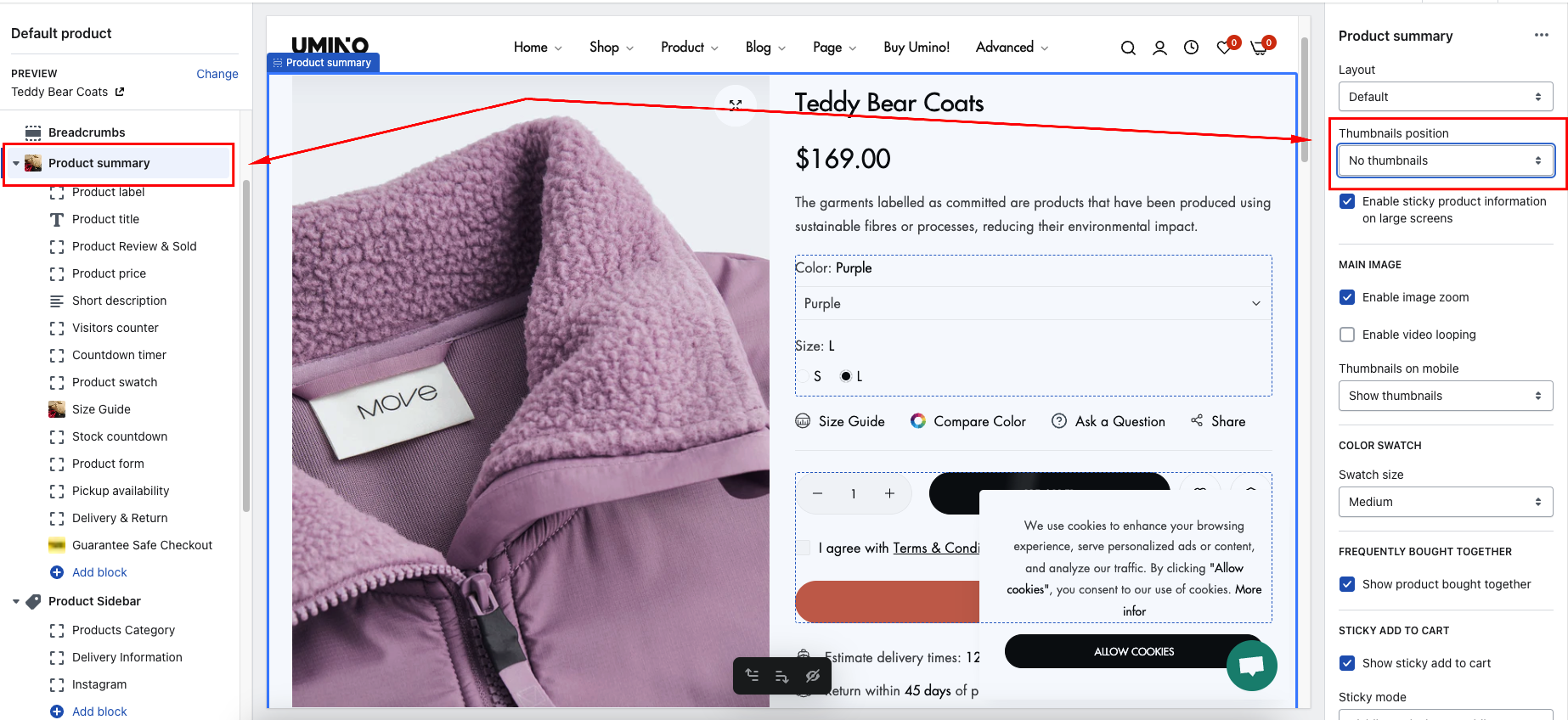
Thumbnails position option
Thumbnails zoom option
Step 1: Go to the Product page > Default product > Product summary > Image click action > Select Enable image hover zoom
.png)
-
Step 2: In Product Summary > Hover image zoom type > Select option zoom
.png)
Options zoom:
Thumbnails option mobile
Step : Go to the Product page > Default product > Product summary > Thumbnails on mobile -> Select option show thumbnail or show navigation
.png)
No comments yet