

Multi-content
The Multi-content section is a flexible layout that allows you to stack and arrange multiple content blocks—such as text, images, buttons, icons, and media—within a single customizable section. It’s ideal for building rich, editorial-style layouts, storytelling sequences, or dynamic promotional areas on your storefront.
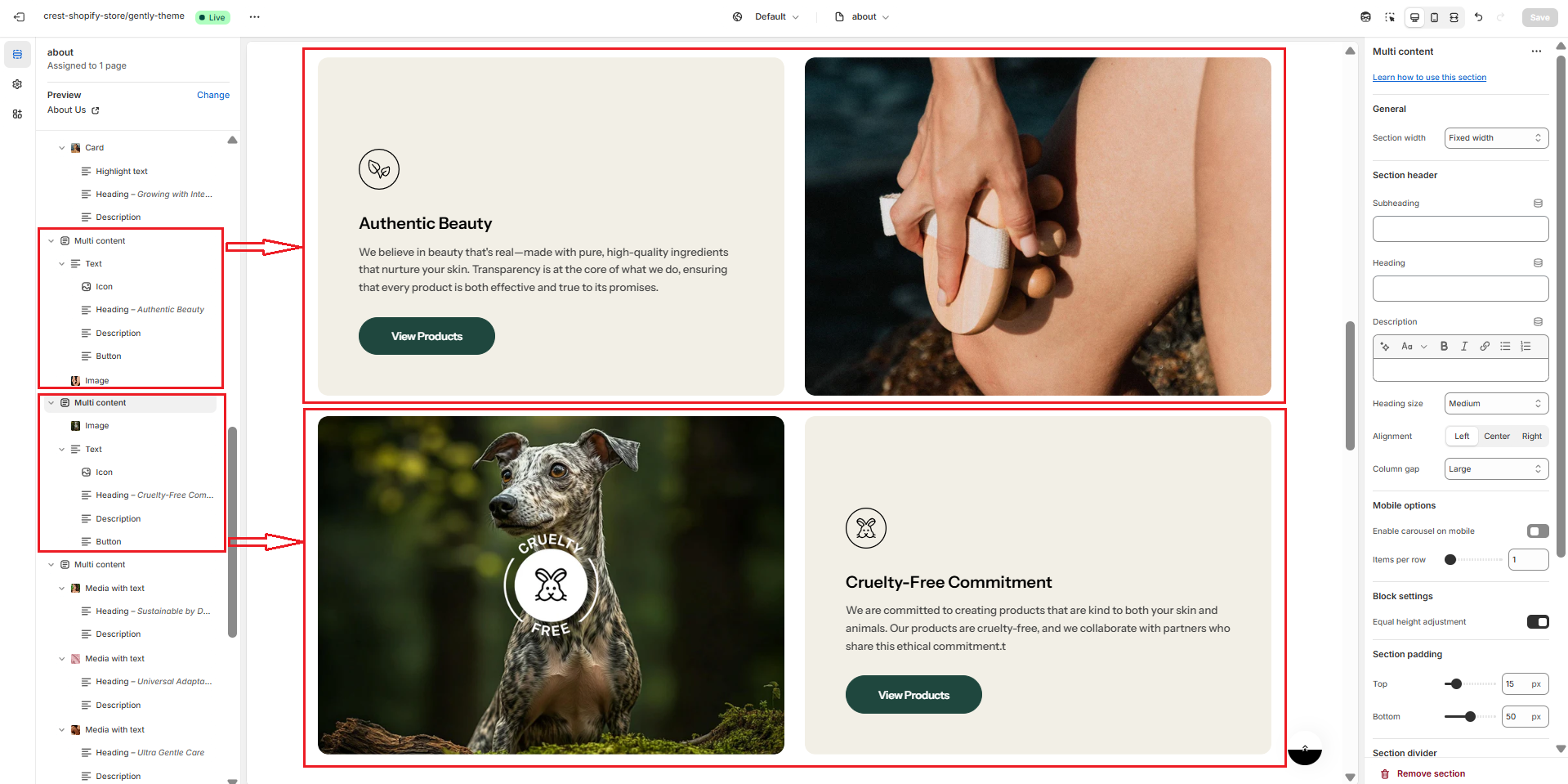
Section settings
General settings
.png)
.png)
| Setting | Description |
|---|---|
| Section width | 3 options for container
|
| Subheading | The subheading of the section |
| Enable heading underline animation | Turn on an animated underline effect for headings. Switch off to keep a static look. |
| Underline style | Choose the underline's look. Include:
* Note: Only appears when Enable heading underline animation is enabled |
| Underline color | Pick the color used for the underline. * Note: Only appears when Enable heading underline animation is enabled |
| Heading | The title of the section |
| Description | The description of the section |
| Heading size | The size of the title:
|
| Alignment | The position of the heading and description.
|
| Column gap | 4 options for column gap
|
Mobile options
.png)
| Setting | Description |
|---|---|
| Enable carousel on mobile | This setting is used for enabling the carousel layout on mobile |
| Items per row | Number of columns to display on mobile screen. |
Section padding
.png)
| Setting | Description |
|---|---|
| Top | Customize the top margin of the section |
| Bottom | Customize the bottom margin of the section |
Section divider
.png)
| Setting | Description |
|---|---|
| Show divider | Display a dividing line to separate from the previous section |
No comments yet