

Typography
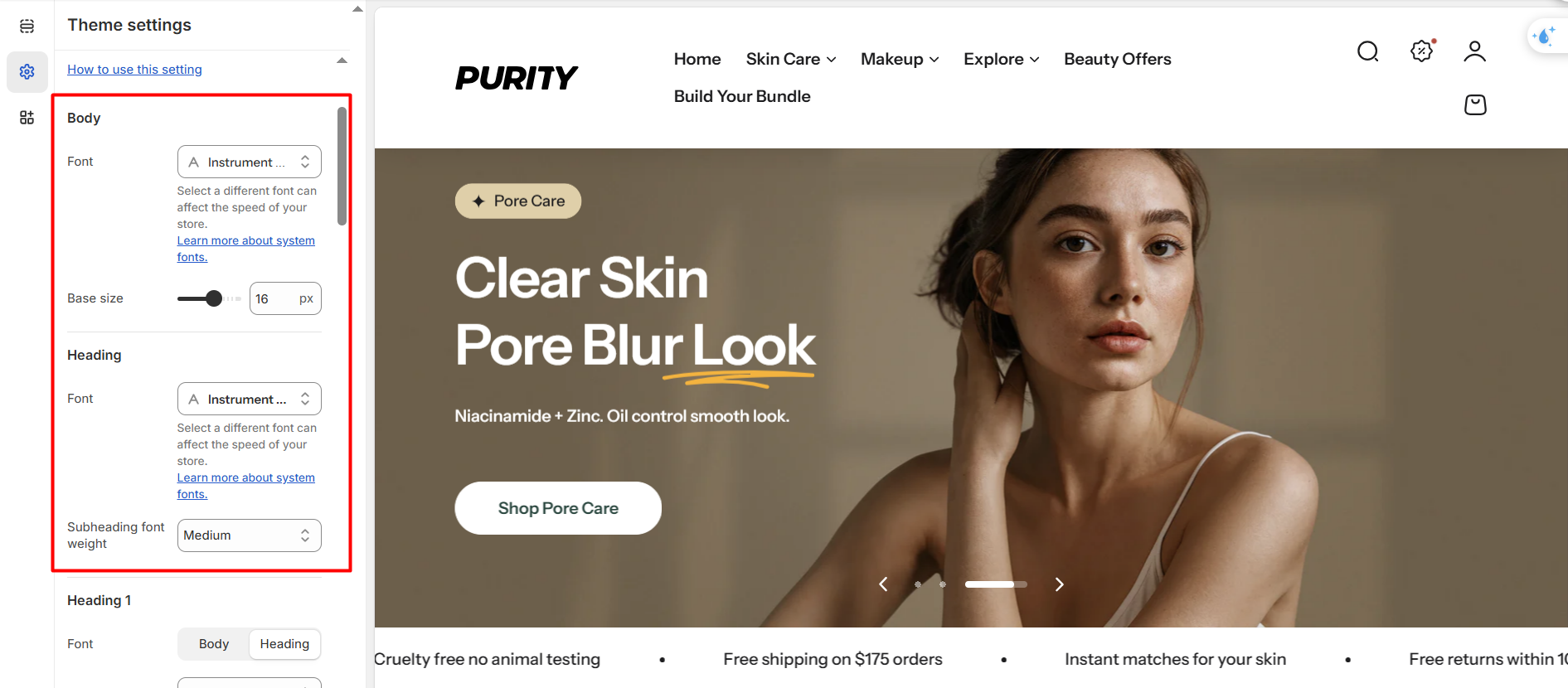
In the typography settings, you will find settings for the following sections:
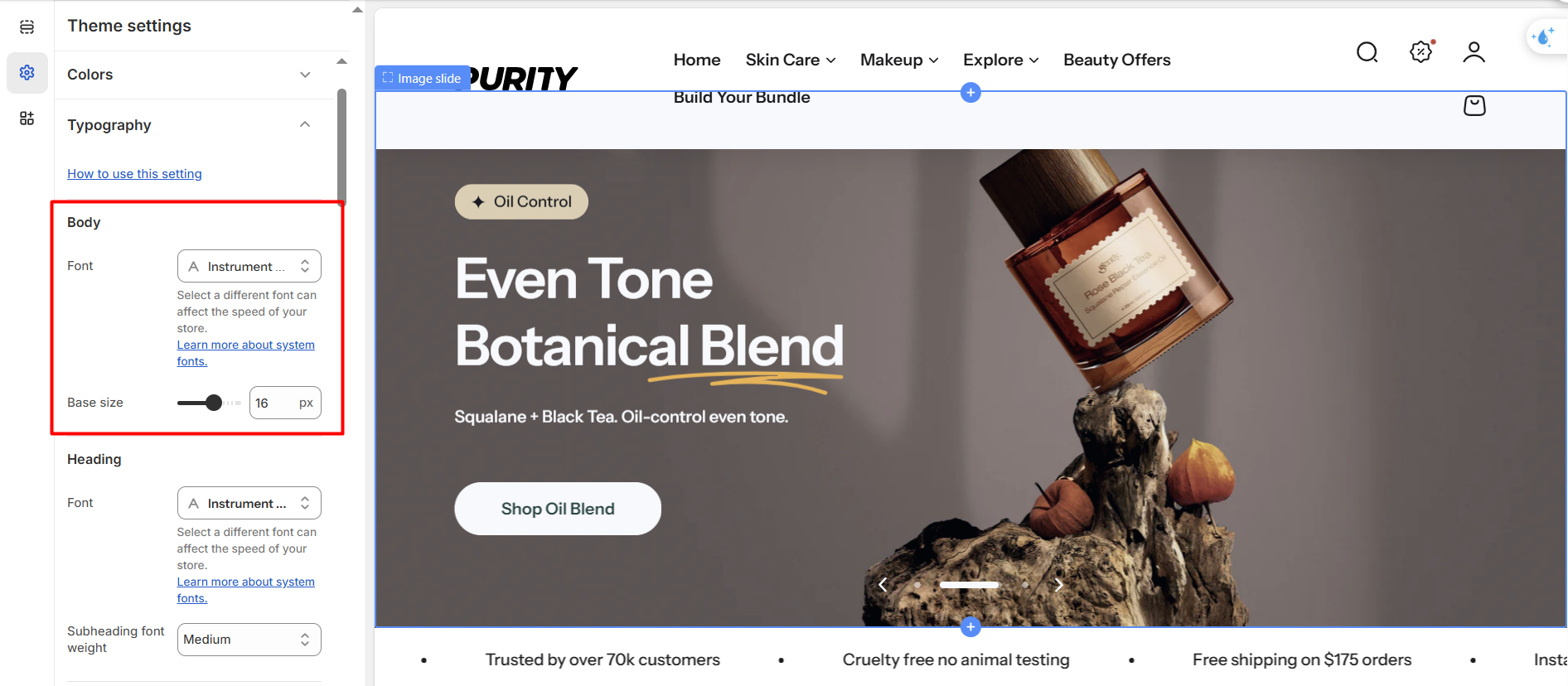
1. Body
Select the font and customize the base font size for the site's body text.
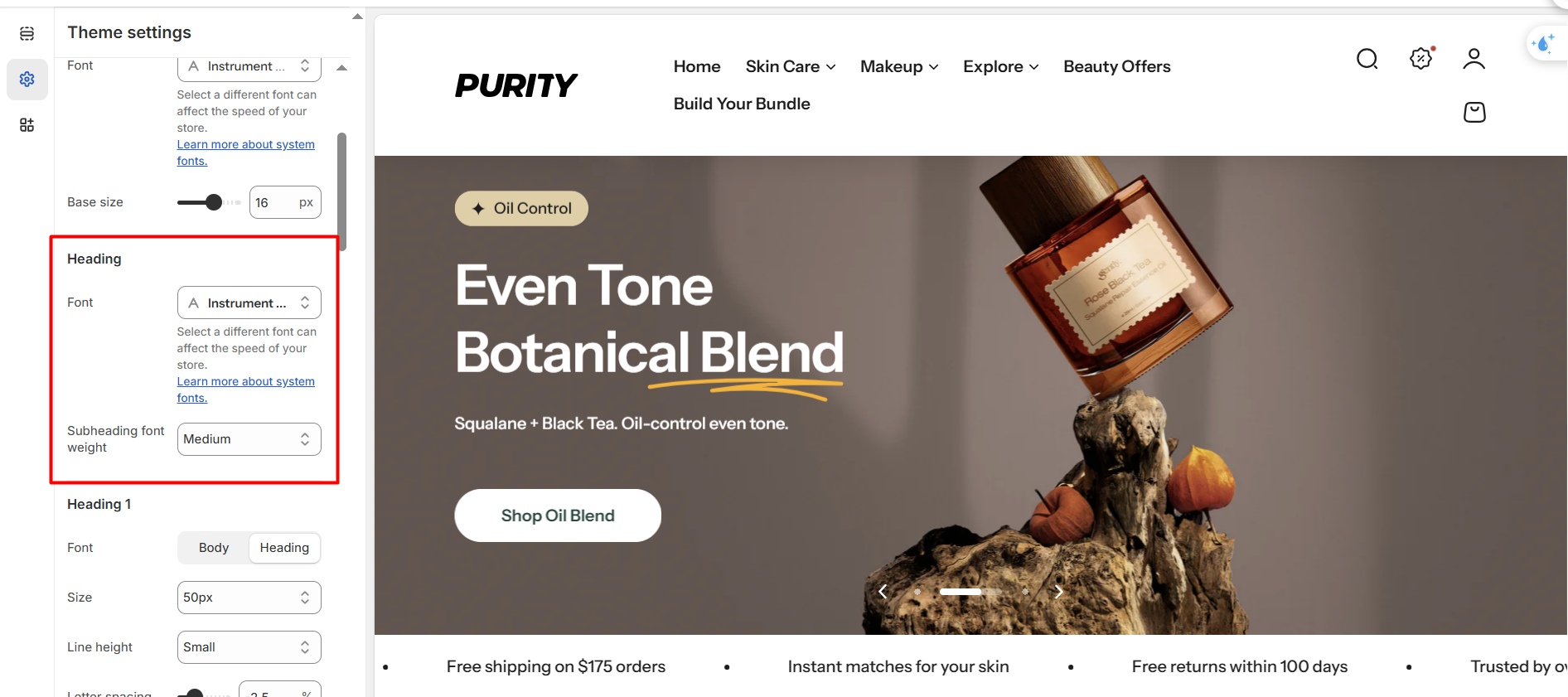
2. Heading
Select the font, adjust the font size scale for website content, and set the text transformation and letter spacing for all headings.
3. Heading 1-6
Configure detailed styling options for heading text, including:
| Settings | Description |
|---|---|
| Font | Choose a font family based on it of general body font or general heading font |
| Size | Choose a font family inherited from either the general body font or the general heading font. |
| Line height | Adjust the vertical spacing between lines of text. |
| Letter spacing | Control the spacing between characters. |
| Text transform | Define how text is capitalized. |
4. Menu
Choose a font for the menu from the available heading and body font options. You can also toggle the capitalization of first-level menu items.
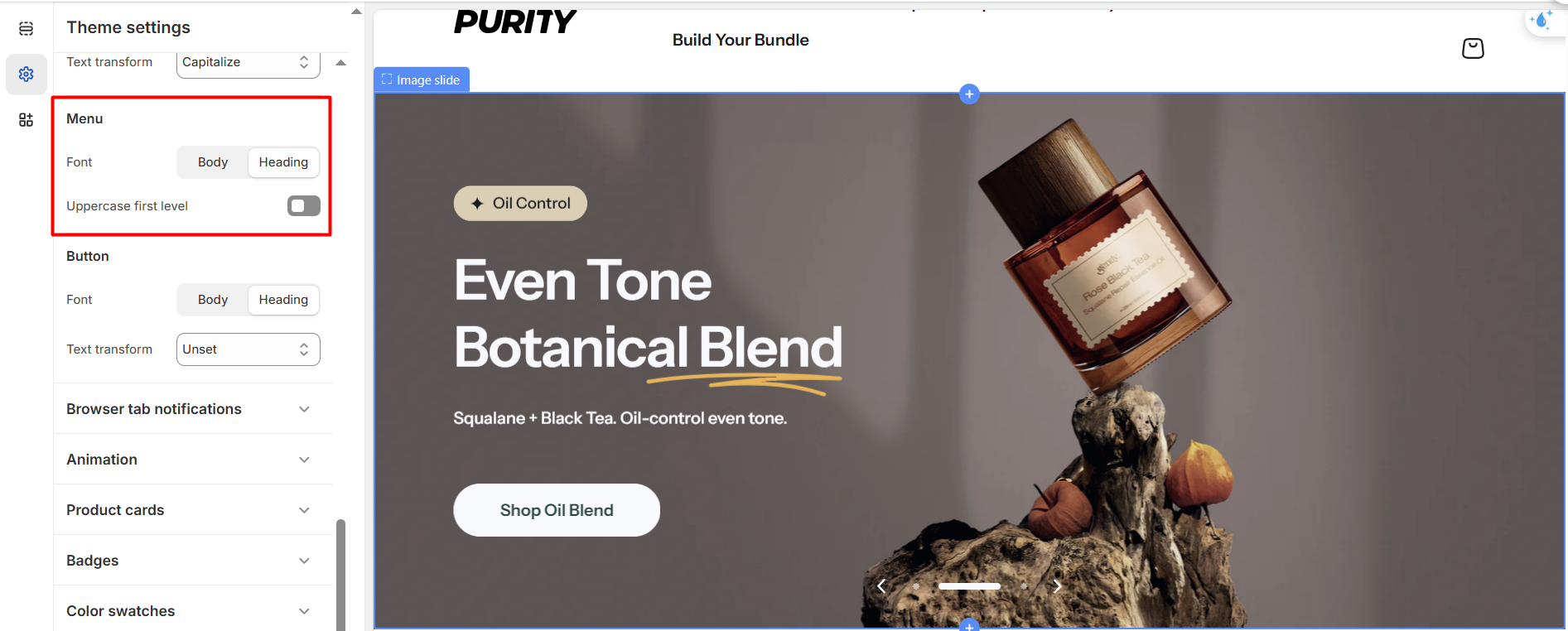
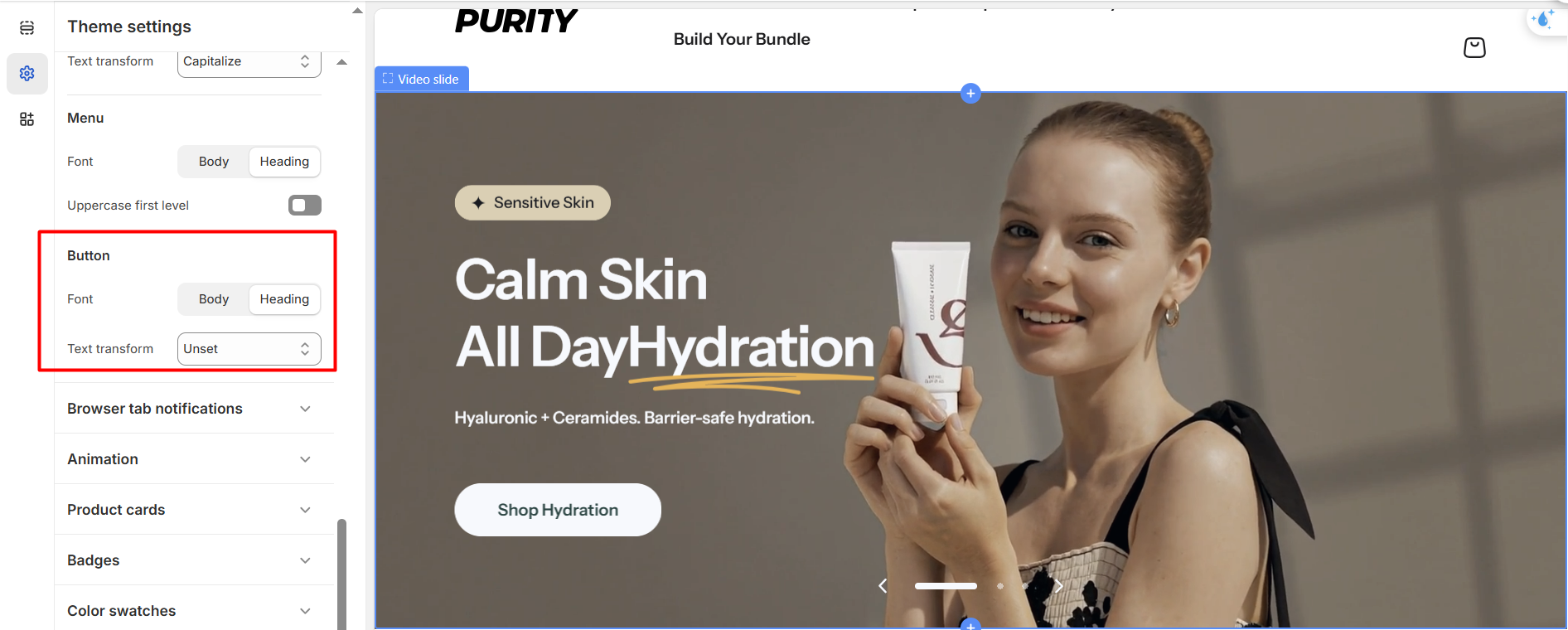
5. Button
Choose a font for the button from the options set for the body and heading fonts.
No comments yet